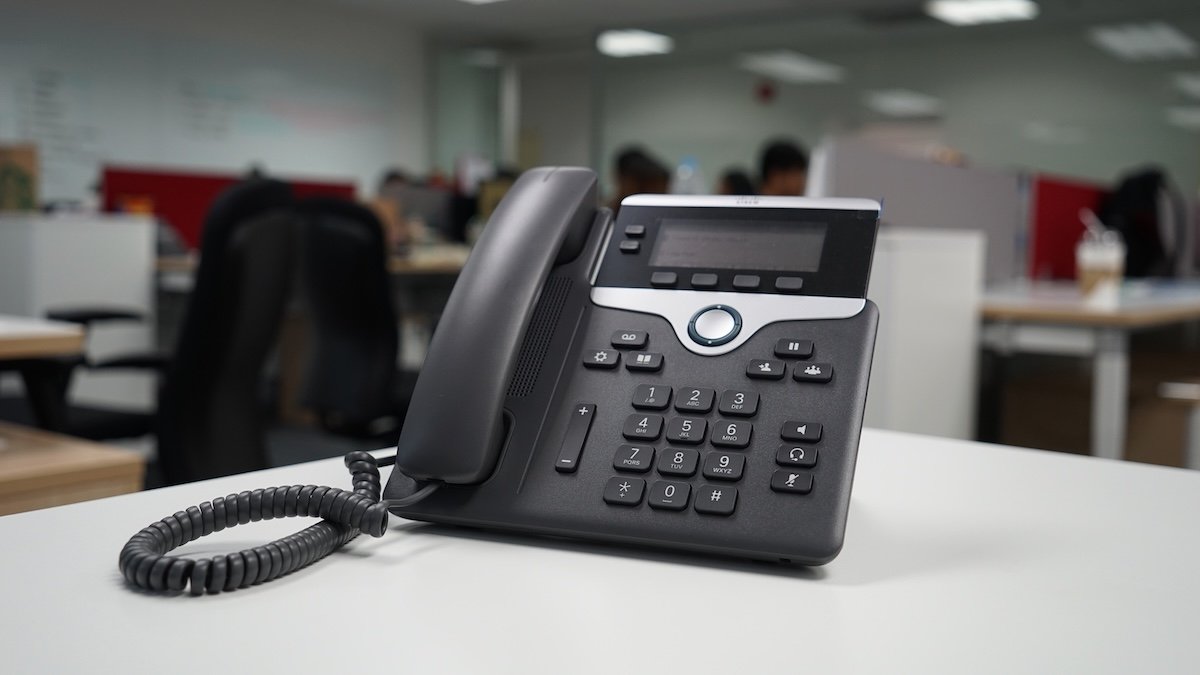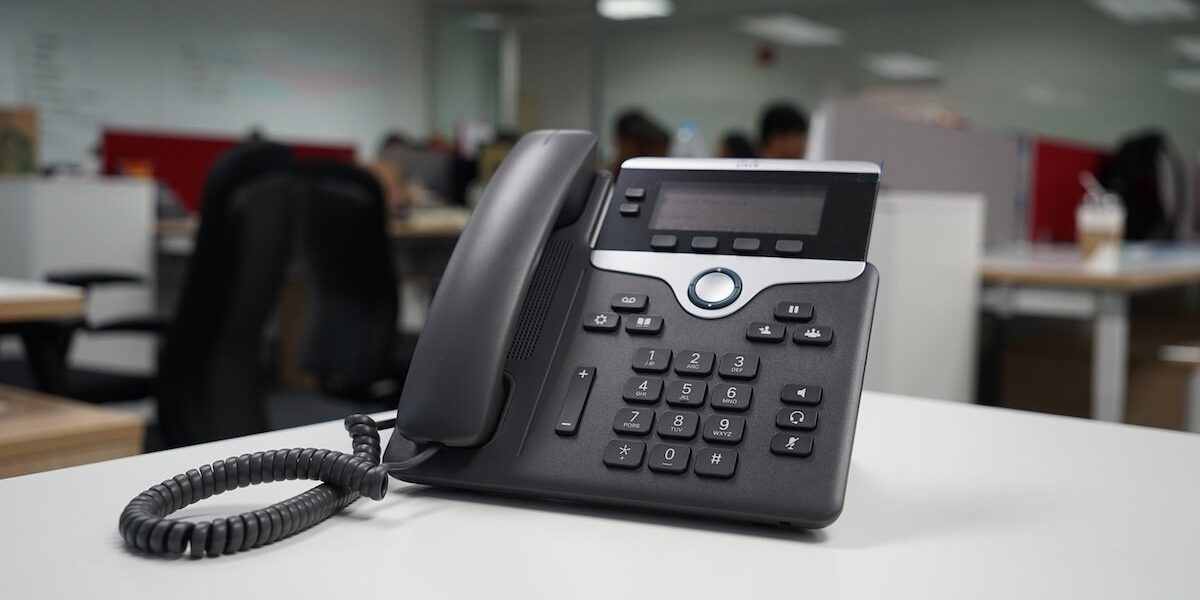
Most organizations already run a VoIP phone system. What many don’t realize is that the same phones can also handle overhead paging, two-way intercom calls, and door and gate entry. They don’t need a separate console or a second system for staff to learn. The key is choosing IP audio hardware that connects directly to the phone system.
This post covers how Digital Acoustics works with Cisco and other VoIP phone systems, what staff can do from a handset, and how to bring existing speakers into the system. For background on how SIP paging works, see our post on SIP based IP paging and analog paging systems.
Works With the Phone System You Already Own
Digital Acoustics IP7 series speakers, intercoms, and amplifiers support SIP 2.0 as a standard feature. They appear on the network as VoIP intercom and paging endpoints that a desk phone, softphone, or other SIP device can call.
There are two ways to connect them. Each device can register directly with the phone system as a SIP or VoIP intercom using standard firmware. Or a facility can use TalkMaster™ FOCUS VoIP Connect, an add-on software module that manages the connection between DA devices and the phone system. VoIP Connect works with most SIP 2.0 phone systems, including Cisco CallManager, Asterisk, Grandstream, and cloud based platforms such as OnSIP.
What Staff Can Do From a Desk Phone
Once DA endpoints are connected, the phone becomes the main tool for paging and intercom.
- Page a zone or the whole building. Staff dial a paging extension and speak, and the announcement plays across every speaker in that group. Pages can be sent live, or recorded first and then sent.
- Call a specific room or station. A front office can call a classroom intercom, a warehouse office, or a loading dock the same way it dials any other extension.
For staff, this means one familiar tool for calls, announcements, and entry. For IT, it means one phone system to manage instead of a separate paging console.
Fewer Extensions to Pay For
Every device registered on a phone system usually needs its own extension, and on many platforms each extension carries a cost. VoIP Connect lets a facility group speakers and intercoms into paging zones and assign a whole zone to a single extension. One extension can cover a wing, a building, or an entire campus, which keeps extension costs down as the system grows. VoIP Connect supports SIP paging over either multicast or unicast, so it can fit how the network is set up.
Cisco Environments and InformaCast
Digital Acoustics also works with InformaCast, the mass notification platform from Singlewire Software. InformaCast is a separate platform that works alongside many VoIP phone systems, including Cisco Unified Communications Manager. It can send live and scheduled pages to groups of DA speakers and amplifiers, so the same DA hardware handles daily paging from phones and emergency notifications from InformaCast.
Bringing Existing Speakers Onto the Phone System
Connecting paging to a VoIP phone system doesn’t have to mean replacing the speakers already in place. Digital Acoustics IP amplifiers connect existing analog speakers and intercom call stations to the network, so they can be paged and called from the phone system like any other endpoint. A facility can keep the speakers that still work, add IP speakers where coverage is missing, and manage both through the phone system.
Getting Started
A good plan starts with how people will actually use the system. Decide which areas require their own paging zones, which locations need two-way intercom, and which doors or gates should ring which phones. From there, decide whether devices will register directly with the phone system or through TalkMaster Focus and the Voip Connect module.
To see the full range of phone system options, visit the VoIP systems page or the intercom solutions page. To plan a deployment for your phone system, contact the Digital Acoustics team.